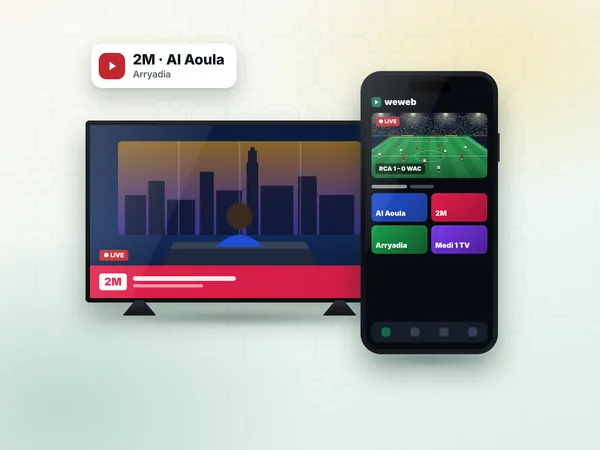
Android phone and tablet
Search "IPTV Smarters Pro" in Google Play and install the app from its official developer.
App setup · IPTV Smarters Pro
IPTV Smarters Pro is a player app that signs in with a username and password instead of a MAC address, which makes it the quickest way to start a weweb IPTV subscription on an Android phone, an Android TV box or a Fire TV Stick. This page belongs to our IPTV setup guide and walks you through the four login fields, the profile options and the errors people meet most often in Morocco.
The app contains no channels of its own. It connects to the server named in your access details and shows the live channels, films and series of your IPTV Morocco line, with a TV guide and catch-up where the channel offers it.
IPTV Smarters Pro is a free-to-install player built around the Xtream Codes login. You type the details your provider sends you, and the app builds its menus from the server: Live TV, Movies, Series, Catch-up and a full TV guide. Because nothing is tied to the hardware, you can sign in on a new phone in a minute without any extra step on a website.
It suits people who want a simple interface and who move between devices: a student in Rabat watching on a phone, a family with an Android box in the salon, or a Moroccan in London who uses a Fire TV Stick. On smart TVs, the MAC-address apps described on IPTV on Samsung TV are often more practical.
Search "IPTV Smarters Pro" in Google Play and install the app from its official developer.
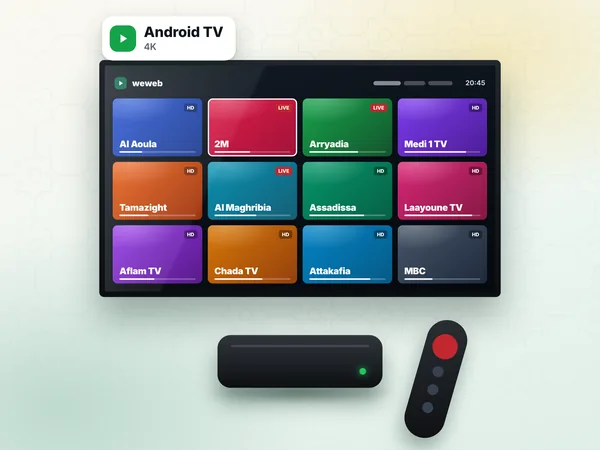
Google Play on most boxes lists the app. On boxes without Play, use the download page of the developer's official website.
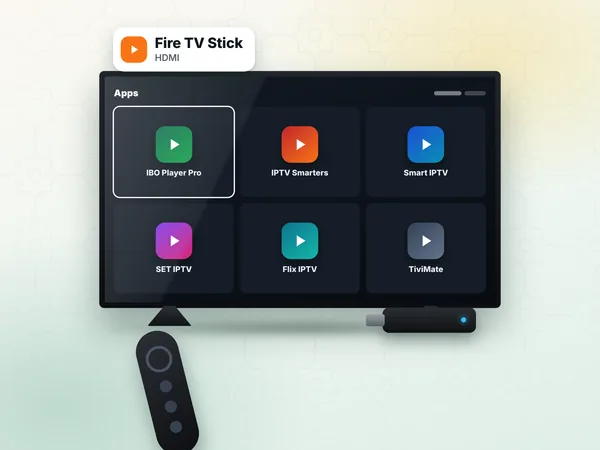
Installed with the Downloader app and the official download address. Full steps on IPTV on Firestick.
The App Store version of the developer's player can carry a different name. See IPTV on Apple TV for the options.
Desktop versions exist on the developer's website for watching on a computer.
Only install from the official store or the developer's own website. Modified copies shared in groups can contain adverts or stop working after an update.
On the first screen, choose Login with Xtream Codes API (the wording can vary slightly between versions). The form then asks for four values, all included in the message we send you on WhatsApp.
| Field | What to enter | Watch out for |
|---|---|---|
| Any name | A label of your choice, e.g. weweb | Free text, it is only for you |
| Username | The username from your access message | Capitals and numbers exactly as written |
| Password | The password from your access message | No space before or after |
| URL | The server URL, starting with http:// and often ending with a port such as :8080 | Keep http:// and the port; do not add a slash or a path |
What each of these values is, and why the server URL matters, is explained in detail on Xtream Codes.
Open IPTV Smarters Pro and accept the terms the first time it starts.
Choose Login with Xtream Codes API. If the app offers "Add user", tap it first.
Type a name, then copy the username and password from our WhatsApp message. On a TV remote, take your time: one wrong letter is enough to refuse the login.
Type the server URL with http:// and the port, then press Add user or Login.
Wait while the app downloads channels, films, series and the TV guide. On a first login this can take a minute.
Open Live TV, choose the Morocco category and start Arryadia or 2M to check the picture and the sound.
Optional: in Settings, set the time format and choose the player (native or the app's own) if a channel shows a black screen.
Prefer an M3U link? The app also has a Load your playlist or file/URL option. Paste the link from your message there; the M3U route is described on IPTV M3U. The Xtream login usually gives a cleaner guide and separate film and series menus.
Almost always a typo. Check capitals, swap any O for 0 or l for 1 where needed, and remove spaces copied at the end.
The server URL is incomplete: http:// missing, port missing, or https:// typed instead of http://.
Your test line or subscription has reached its end date. A renewed line keeps the same details, just log in again.
Every plan plays one stream at a time, VIP included. A second device watching at the same moment disconnects the first.
Other problems, such as freezing during prime time or a missing guide, are solved in IPTV troubleshooting.
Smarters Pro keeps several users in one app. That is handy to keep the free test line and your paid line separate, or to add a second line on the same box. Switch between them from the user list on the start screen.
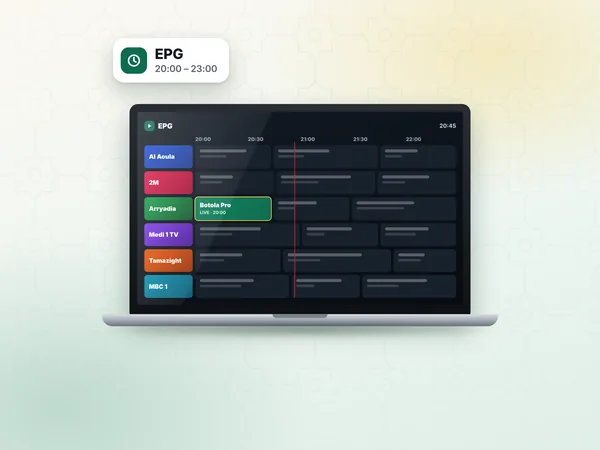
Inside Live TV, a long press on a channel adds it to favourites, so Al Aoula, 2M, Medi 1 TV and your sports channels are one click away. The TV guide fills from the server; if it stays empty, use Refresh EPG in the settings and give it a minute.
Standard at 300 DH covers one screen in HD and Full HD, which is enough for one phone or one box. If you want the same login on the TV and on a phone for matches away from home, VIP at 600 DH covers 1 or 2 devices, used one at a time, with the bigger catalogue.
Test the login first: ask for the 24-hour test on WhatsApp (+212 6 03 36 55 75), sign in with it in Smarters Pro, and choose your IPTV subscription when you are happy with the picture.
Answers
It is a free-to-install player that signs in with Xtream Codes details, which every weweb plan includes. Choose Login with Xtream Codes API and fill in four fields: any name, your username, your password and the server URL with http:// and the port.
Usually a typo: a capital letter, a space copied at the end, https:// instead of http://, or a missing port in the URL. Copy the values again from the weweb WhatsApp message and retry; if it still fails, send us a photo of the screen.
Pick a 12-month plan, pay by the method you prefer, and your server URL, username and password arrive on WhatsApp within 1 hour, 24 h at most. Type them in Smarters Pro and your channels load.