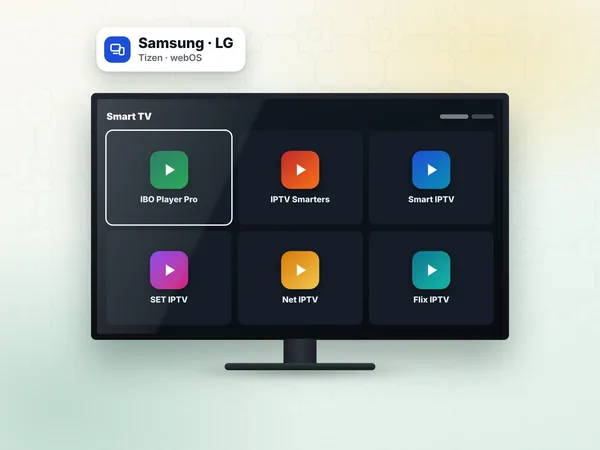
Samsung and LG
Search "Flix IPTV" in the TV's Apps store (LG Content Store on LG), install and open it.
App setup · Flix IPTV and Duplex IPTV
Flix IPTV is a smart TV player with a film-style interface, and Duplex IPTV (listed as Duplex Play in some stores) is a close alternative; both load your playlist from the developer's website and play a weweb IPTV subscription on Samsung, LG and Android devices. This page of our IPTV setup guide covers both apps: install, playlist, activation and fixes.
Neither app includes channels. They display the live TV, films and series of your IPTV Morocco line once your link is attached to the TV.
Flix IPTV stands out for its video-on-demand screens: films and series appear as posters with summaries, a little like a streaming service, while live TV keeps a classic channel list with a guide. If your household watches a lot of Ramadan series, Turkish dramas or films in the evening, that layout is comfortable.
Like the other TV players, it works by MAC address: the TV shows an identifier and you attach your playlist to it online. If the app is not available on your TV, IBO Player Pro and SET IPTV follow a similar method.
Search "Flix IPTV" in the TV's Apps store (LG Content Store on LG), install and open it.
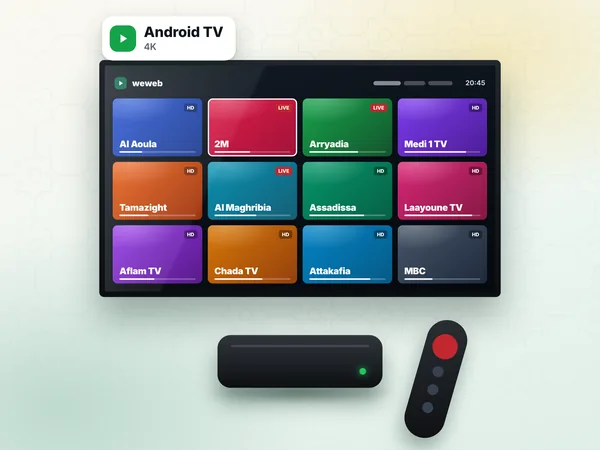
Install from Google Play when listed, or follow the options on the developer's site.
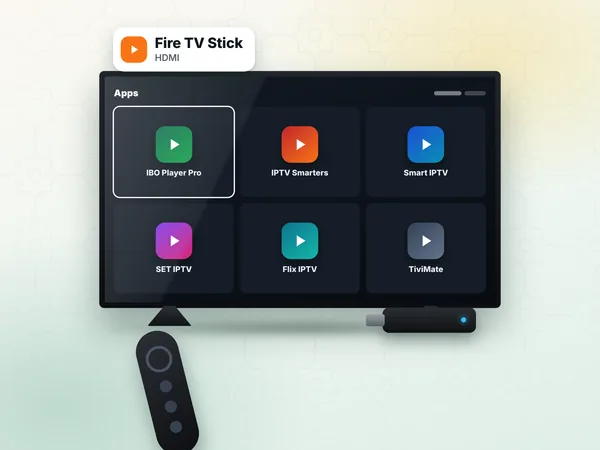
Check the Amazon Appstore, otherwise use the method on IPTV on Firestick.
On first launch, the app shows the TV's MAC address. Take a photo of it.
On a phone or computer, open the Flix IPTV developer's website and go to the playlist upload page.
Type the MAC address shown on the TV.
Paste the M3U link from your weweb WhatsApp message in the playlist URL field and save.
On the TV, open Flix IPTV again, or use Change playlist / Reload in its settings.
Wait while live channels, films and series load; the poster screens can take a little longer the first time.
Play a Moroccan channel to check, then open the Movies section to check the VOD.
What the M3U link contains and why it must be pasted rather than typed is explained on IPTV M3U.
Duplex IPTV uses a slightly different pair of identifiers. Instead of a MAC address alone, the app shows a Device ID and a Device Key on its start screen.
Install Duplex IPTV (sometimes listed as Duplex Play) from your TV's app store and open it.
Note the Device ID and Device Key shown on the screen.
On the developer's website, open the device management page and enter both values.
Choose to add a playlist, give it a name and paste your M3U link. If the form offers Xtream fields, you can use the server URL, username and password instead; see Xtream Codes.
Save, then restart Duplex on the TV and select the new playlist.
Duplex IPTV is a separate app with its own developer, its own trial and its own activation, distinct from Flix IPTV.
Both apps offer a trial period after installation, set by their developers. When it ends, the app asks to be activated. The activation is the licence of the player on that device, paid to the developer on their own website; the price is chosen by the developer and displayed there.
This payment is not part of your weweb plan and does not go to us. It is attached to the device, so a new TV needs a new activation while your subscription stays the same.
The MAC address (Flix) or the device ID and key (Duplex) on the site do not match the TV. Read them again and save the playlist again.
Change the player type in the app's settings, or ask us for the other stream format.
The app's trial has ended. Activate the app on its developer's site.
Check your line and Wi-Fi with IPTV troubleshooting.
If you watch films and series on a 4K TV, Premium (450 DH) shows 4K where the content is available in 4K and includes the premium packs. If you want the access on two TVs, for example one with Flix IPTV and one with Duplex, VIP (600 DH) covers 1 or 2 devices, used one at a time, and the biggest film and series library.
Try first with the free 24-hour test: send your MAC address or device ID on WhatsApp (+212 6 03 36 55 75). Then order your IPTV subscription; the access arrives within 1 hour, 24 h at most.
Answers
Install Flix IPTV on your TV, note the MAC address, then on the developer's website enter it with your weweb M3U link and save. Reload the playlist in the app and the live channels, films and series appear.
Duplex IPTV is a separate app that uses a device ID and a device key instead of a MAC address alone, with its own developer and activation. The weweb playlist is added the same way, on the developer's website.
Pick a 12-month plan, receive your M3U link and Xtream details on WhatsApp, and attach them to Flix IPTV or Duplex IPTV. Support helps you until it plays.