LG (webOS)
Open the LG Content Store or Apps, search "Smart IPTV" and install it.
App setup · Smart IPTV
Smart IPTV is one of the oldest TV apps for playing an M3U playlist on Samsung and LG televisions, and it works well with a weweb IPTV subscription once your link is uploaded to the TV's MAC address. This page completes our IPTV setup guide with the exact upload steps, the app's own activation and the messages you may see on screen.
Smart IPTV has no channel list of its own. It is a player: you send it the playlist of your IPTV Morocco line through the developer's website, and the TV downloads it each time the app starts.
Smart IPTV (often written SIPTV) separates two jobs. The app on the TV plays streams; the developer's website stores, for each TV, the playlist that TV should load. The link between the two is the MAC address the app shows on its screen.
So the setup always happens in two places: you read the MAC address on the TV, then you type it with your M3U link on the developer's playlist upload page from a phone or a laptop. The TV never asks you to type a long link with the remote, which is the main reason many people in Morocco still prefer it on older Samsung and LG models.
Open the LG Content Store or Apps, search "Smart IPTV" and install it.
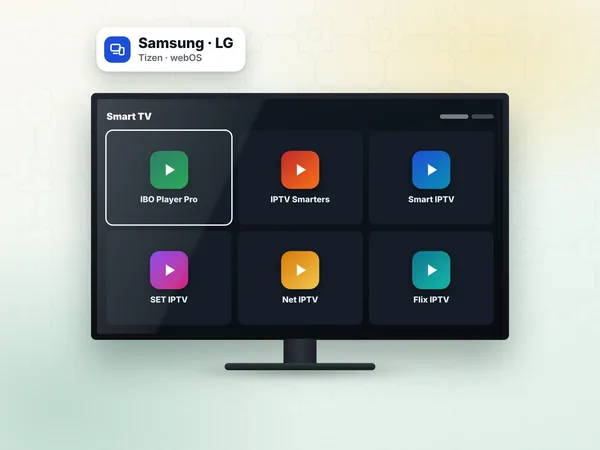
Search Apps for Smart IPTV. On some models and regions it is no longer listed; the developer's website explains the current install options for Samsung.
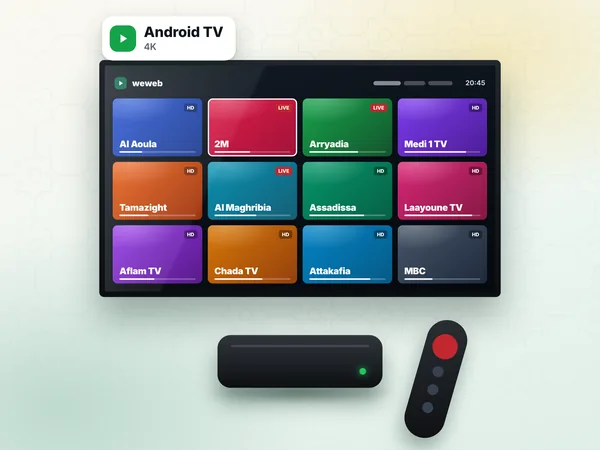
Available from Google Play on many boxes, or from the developer's website.
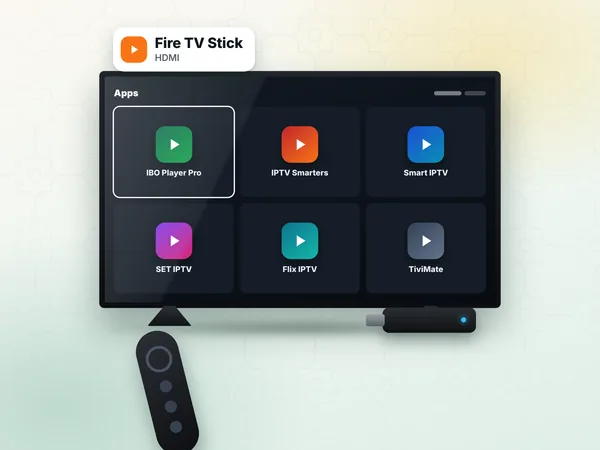
Look in the Amazon Appstore; otherwise follow the sideload method on IPTV on Firestick.
If your Samsung does not list it, other apps work the same way: SET IPTV, Net IPTV and IBO Player Pro all use a MAC address too.
Your access message from weweb contains an M3U link. That is the value Smart IPTV needs; the Xtream server, username and password are for other apps.
Start Smart IPTV on the TV. The MAC address is displayed on the screen (and again in the app's settings).
On your phone or computer, open the developer's website and go to the playlist upload page (called "My List" on the site).
Type the TV's MAC address in the MAC field. Letters are not case-sensitive, but every pair must be right.
In the URL field, paste the full M3U link from our WhatsApp message. Leave the EPG field empty unless our support gives you a guide link.
Tick the option to keep the playlist online (so the TV downloads updates), complete the captcha and press Send.
On the TV, close Smart IPTV and open it again, or press the reload button in the app. The channel groups appear.
Scroll to the Moroccan group and play Al Aoula or 2M to confirm the playlist works.
One MAC address holds one playlist link at a time on the upload page. Sending a new link replaces the old one, which is how you move from the test line to your paid line.
After installation the app runs for a trial period set by the developer. When it ends, the TV shows an activation message with its MAC address. Activation is a payment to the Smart IPTV developer, made on their website, for that one TV. The price is fixed by the developer and displayed on their activation page.
This fee is separate from your weweb plan. We do not sell it and we cannot activate the app for you. If you change TV, the new set has a new MAC address and needs its own activation; your subscription, on the other hand, moves with you.
| Message | Meaning | What to do |
|---|---|---|
| No playlist / empty list | Nothing uploaded for this MAC address | Upload the M3U link again and restart the app |
| Playlist loading fails | Link incomplete or mistyped | Copy the whole link again from WhatsApp, without spaces |
| Activation required | The app's trial is over | Activate the app on the developer's site |
| Channels freeze in the evening | Connection under load | Check your line and Wi-Fi, see the troubleshooting page |
For anything that is not specific to the app, follow IPTV troubleshooting, and check the internet speed for IPTV on your Maroc Telecom, inwi or Orange line.
On a Full HD TV, Standard (300 DH) is enough. On a 4K television, Premium (450 DH) shows 4K where the channel broadcasts in 4K and adds the full sports packs. Both are installed on one device and play one stream at a time.
Start with the free 24-hour test: send your MAC address and TV model on WhatsApp (+212 6 03 36 55 75), upload the test link, and once you are satisfied, order your IPTV subscription. Access arrives within 1 hour, 24 h at most.
Answers
Open the app on the TV to see its MAC address, then on the developer's playlist upload page enter that MAC address and paste the M3U link weweb sent you. Restart the app on the TV and the channel groups load.
No. After its trial, the Smart IPTV app is activated once per TV by paying its developer on their website, at the price they set. Your weweb plan covers the channels, not the player licence.
Choose a plan, receive your M3U link on WhatsApp, and paste it on the upload page with your TV's MAC address. Support stays with you until the first channel plays.