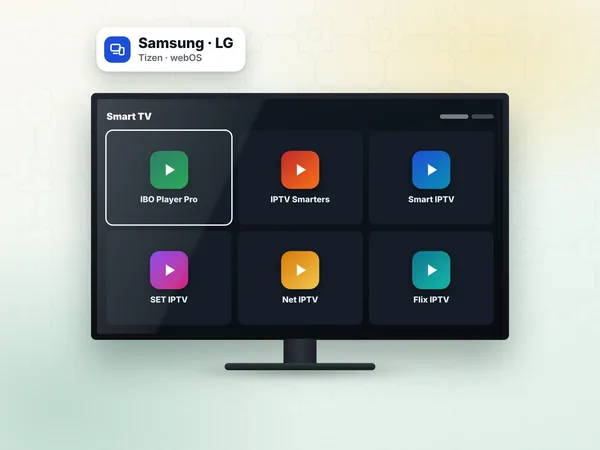
Samsung smart TV
Press Home, open Apps, search for IBO Player Pro and install it. Samsung and LG specifics are on IPTV on Samsung TV.
App setup · IBO Player Pro
IBO Player Pro is a media player that runs on Samsung and LG smart TVs, Android TV boxes and Fire TV devices, and it is one of the most common ways to watch a weweb IPTV subscription on a television in Morocco. This page is part of our IPTV setup guide: it shows what the MAC address and device key are, how the app's own activation works, and how to add your playlist so your channels appear.
One point causes most of the confusion: IBO Player Pro is an empty player. It does not include any channels. You install it, link your subscription to it on the developer's website, and the app then plays the content of your IPTV Morocco access. The player and the subscription are two separate things, and each has its own validity.
IBO Player Pro is a playlist player: it reads the list of channels, films and series that your IPTV provider gives you and shows it with a TV guide, categories, favourites and a search bar. It is popular in Morocco because it looks the same on almost every TV brand, so a family can use one interface on the living-room Samsung and on the Android box in the bedroom.
Searches for "IBO Player" and "IBO Player Pro" often mix two related apps with different names and different activation websites. Check the exact name under the app icon and the website address printed on the app's home screen: that is the site you must use to add your playlist and, later, to activate the app.
Always install the app from your device's official store when it is listed there. The name to type in the search bar is "IBO Player Pro".
Press Home, open Apps, search for IBO Player Pro and install it. Samsung and LG specifics are on IPTV on Samsung TV.
Open the LG Content Store (or Apps on recent webOS versions), search for the app and install it.
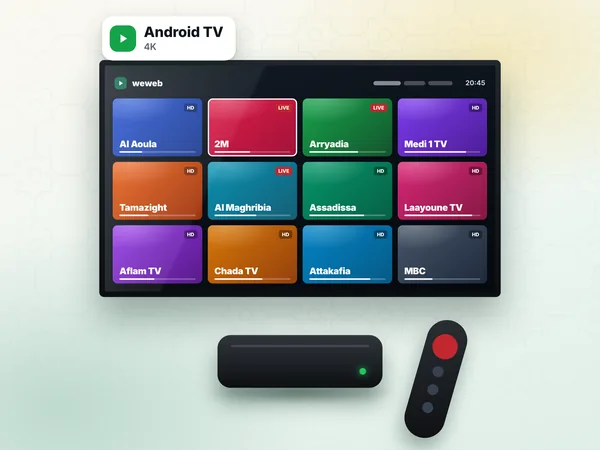
Open Google Play on the box. Most boxes sold in Derb Ghallef or Marjane run Android TV and list the app.
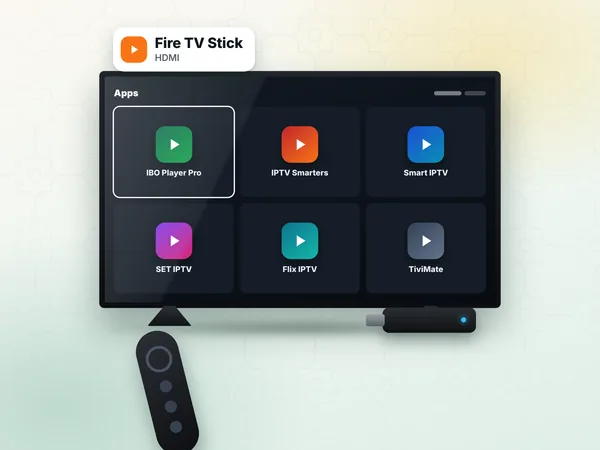
Search the Amazon Appstore first. If it is not listed in your region, see IPTV on Firestick.
When you open IBO Player Pro for the first time, it shows two values: a MAC address (six pairs of letters and numbers separated by colons, for example 1A:2B:3C:4D:5E:6F) and a device key (a short number). Together they identify your TV inside the developer's system.
Write both down or take a photo of the screen. The MAC address shown by the app is not always the network MAC of your TV: use the one the app displays, letter for letter. A zero and the letter O, or a one and the letter I, are the most frequent typing mistakes.
Reinstalling the app or resetting the TV can change the values on some devices. If the app suddenly asks for setup again, read the MAC address and device key a second time before you contact support.
After your order, weweb sends your access on WhatsApp within 1 hour, 24 h at most: an M3U link and Xtream Codes details (server URL, username, password). IBO Player Pro accepts both.
Open IBO Player Pro on the TV and note the MAC address and device key shown on the screen.
On your phone or computer, open the website address displayed inside the app (the developer's site), and choose the option to log in with a device or manage playlists.
Enter the MAC address and device key exactly as they appear on the TV, then confirm.
Choose Add playlist. Give it a name you will recognise, such as "weweb".
Paste the M3U link we sent you, or choose the Xtream option and fill in the server URL, username and password. The difference between the two is explained on Xtream Codes.
Save, then close IBO Player Pro completely on the TV and open it again. The playlist downloads and the categories appear after a few seconds.
Open Live TV, pick a category such as Morocco and start 2M or Al Aoula to check that everything plays.
If the playlist does not appear, check the link for a missing character at the end: M3U links are long and a copy from WhatsApp sometimes cuts the last letters. Paste it again rather than retyping it.
IBO Player Pro usually lets you try the app for a short period after installation. After that period the app asks for its own activation for that device. This activation is sold by the app developer, on the developer's website, and the price and duration are set by the developer and shown on their site. It is not part of a weweb plan and we do not collect it.
In practice: you enter your MAC address on the developer's activation page, pay with the methods they accept, and the app is unlocked on that TV. One activation covers one device, so two TVs need two activations. If you would rather not pay for a player, apps that use a login instead of a MAC address are covered in our IPTV setup guide.
Never send your bank card details to a person on WhatsApp to "activate IBO" for you. The activation is done on the developer's own page; our support only helps you find it.
| What you see | Likely cause | Fix |
|---|---|---|
| Trial ended / device not activated | The app's own trial period is over | Activate the app on the developer's site with your MAC address |
| No playlist / empty home screen | Playlist not saved for this MAC address | Log in again on the site with the MAC and key shown on the TV |
| Playlist error or login failed | Typo in the link or in the Xtream details | Paste the M3U link again; check capitals in the username |
| Channels load but do not play | Connection or stream format | Restart the router, then see the troubleshooting page |
| Guide (EPG) empty | Guide not downloaded yet | Open settings and refresh the EPG, then wait a minute |
Problems that are not specific to the app, such as buffering during a Botola match, are covered step by step in IPTV troubleshooting.
Every plan works in IBO Player Pro. Standard (300 DH) gives HD and Full HD on one device; Premium (450 DH) adds 4K where the channel broadcasts in 4K and the full sports packs, still on one device; VIP (600 DH) adds the bigger catalogue and can be installed on two devices, for example the salon TV and a bedroom TV used one at a time, each with its own IBO activation.
Not sure the app suits your TV? Ask for the free 24-hour test on WhatsApp, add the test line in IBO Player Pro and watch an evening of matches before you choose your IPTV subscription.
Answers
Open the app, note the MAC address and device key, then go to the developer's website shown in the app and activate that device there. The activation is paid to the app developer at the price shown on their site; it is separate from your weweb subscription.
On the developer's website, log in with the MAC address and device key shown on the TV, choose Add playlist and paste the M3U link, or fill in the Xtream server URL, username and password; every plan includes both formats. Restart the app on the TV and the channels appear.
Both are displayed on the app's first screen when no playlist is loaded, and again in its settings. Use the values the app shows, character by character, even if your TV's network settings show a different MAC address, and send them to weweb on WhatsApp if you want help.
Choose a 12-month plan, pay by the method that suits you, and receive your M3U link and Xtream details on WhatsApp within 1 hour, 24 h at most. We help you paste them into the app.