Big football and sports events
Top matches of the major leagues, Champions League nights and large tournaments are where you are most likely to find a dedicated 4K feed. The sports IPTV page lists the sports channels.
Picture quality
4K IPTV gives you four times the detail of Full HD, but only on channels that broadcast in 4K, on a TV or box that can decode it and on a connection that holds it all evening. With weweb, 4K is part of the Premium and VIP plans of our IPTV subscription; this page explains, honestly, where you will see the difference and where you will not. For everything else the service includes, start from IPTV Morocco.
In short: big football matches and some premium channels are where 4K shines. Most news, series and Moroccan national channels broadcast in HD, and they look the same on every plan.
4K, also called Ultra HD, is a picture of 3840 × 2160 pixels: four times as many as Full HD (1920 × 1080). On a large TV that means sharper faces, readable shirt numbers from a wide camera angle and grass that looks like grass rather than a green blur.
On IPTV, a 4K picture only reaches you if the whole chain is 4K. The broadcaster has to produce the programme in 4K, the provider has to carry that 4K feed, your connection has to bring it in without dropping, and your TV or box has to decode it. If one link is HD, you see HD. A 4K TV does not turn an HD channel into a 4K channel; it scales the image up, which can look good but is not the same thing.
That is why we never promise "all channels in 4K". No provider can, because most channels do not broadcast in 4K at all.
4K is mostly found on sport and on some premium entertainment. Broadcasters keep their 4K feeds for the events that justify the cost of producing them: the biggest football matches, major tournaments and a part of their premium film and documentary output. Everyday television, from news to talk shows, stays in HD.
Top matches of the major leagues, Champions League nights and large tournaments are where you are most likely to find a dedicated 4K feed. The sports IPTV page lists the sports channels.
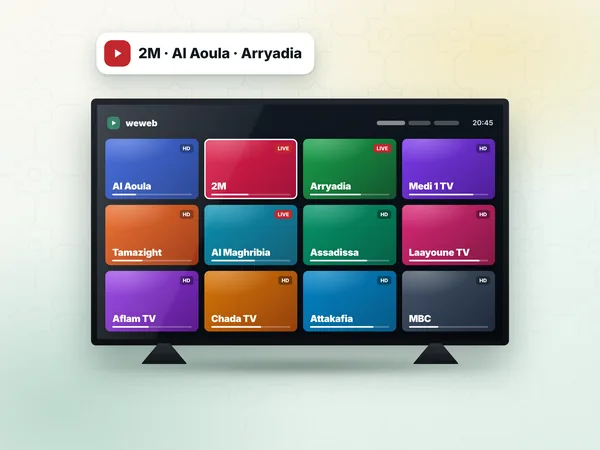
A few premium entertainment and documentary channels offer a 4K version alongside their HD one. In the channel list, it usually appears as a separate entry marked 4K or UHD.
Part of the on-demand library is available in 4K. The film page in your app shows the quality before you press play.
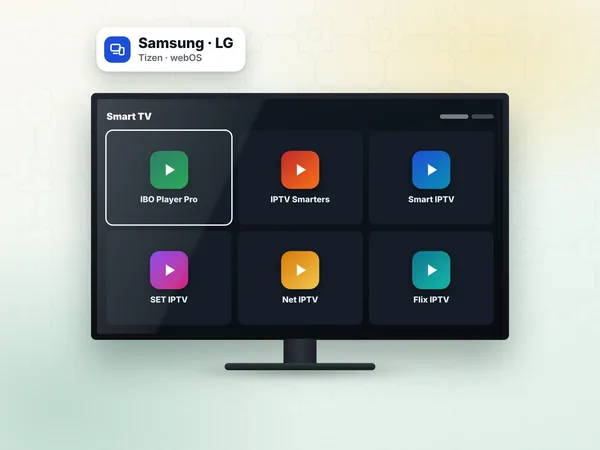
Al Aoula, 2M, Arryadia and the other national channels broadcast in HD. They look clean on every plan, but they are not 4K. See the Moroccan TV channels page.
A channel shown as 4K is 4K only while the broadcaster sends a 4K picture. Outside the big events, some 4K entries show an HD picture or a still screen.
You need a 4K screen and a player that decodes HEVC, also called H.265, which is the compression most 4K streams use. Almost every 4K TV sold in the last few years decodes HEVC, but the app you use must be able to use that hardware decoder; some older or very cheap players fall back to software decoding and stutter.
If your TV is 4K but its own apps are slow or limited, a 4K streaming device plugged into the HDMI port usually gives a smoother result. Connect it to an HDMI port that supports 4K: on many TVs only one or two ports do, and they are often labelled.
Samsung and LG 4K TVs decode HEVC. Use a player from the TV store; the IPTV setup guide tells you which one.
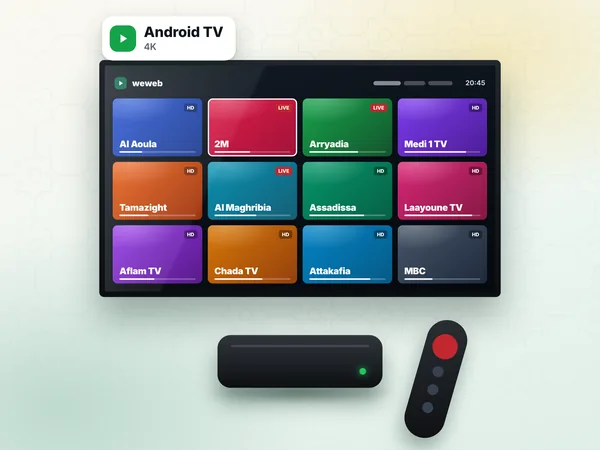
Choose a box sold as 4K with HEVC support. Many boxes sold in Moroccan shops say "4K" but only output 4K menus; check the decoder.
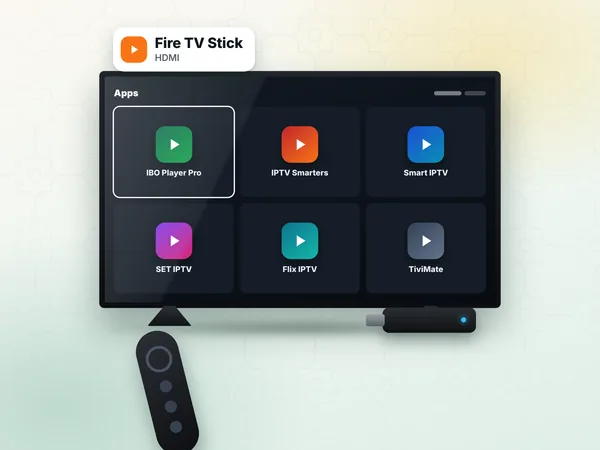
Use a 4K model; the basic Fire TV Stick tops out at Full HD. Setup steps: IPTV on Firestick.
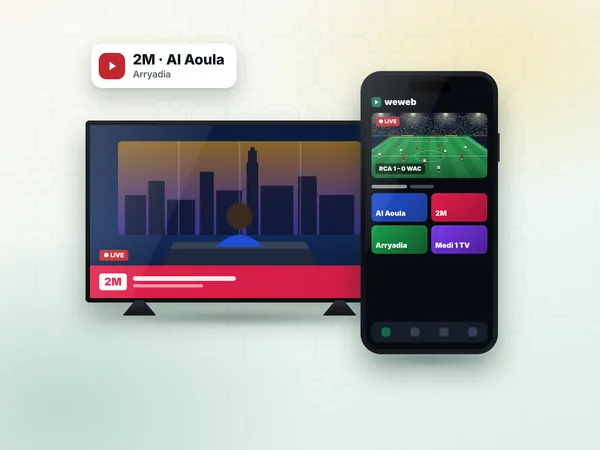
They can play 4K streams, but on a small screen you will hardly see the difference from Full HD.
4K needs a fast and, above all, steady connection, which in Morocco usually means fibre from Maroc Telecom, inwi or Orange, or a very strong 4G or 5G signal. A 4K stream carries several times more data than the same channel in HD, so a line that is fine for HD can freeze in 4K, especially between 20:00 and 23:00 when the networks are busiest.
Rather than repeat the figures here, the page on internet speed for IPTV gives the speed to aim for by quality, explains how to measure your own line and covers ADSL and 4G. Two tips make a real difference for 4K: connect the TV or box with an Ethernet cable rather than Wi-Fi, and avoid big downloads on other devices during the match.
If the 4K version of a channel freezes, switch to its HD version. A smooth HD picture is better than a 4K picture that stops every minute.
4K is included in Premium and VIP; Standard plays in HD and Full HD. The two 4K plans have the same picture and sports packs and differ by catalogue and devices: Premium carries 21,000 channels, 123,000 films and 29,000 series on 1 device; VIP carries 43,000 channels and 200,000 films and series and can be installed on 1 or 2 devices, one at a time, with priority support. Every plan plays one stream at a time, includes Xtream Codes and an M3U link, and lasts 12 months for one payment in dirhams.
| Plan | Best picture | Channels | Devices | Price for 12 months | Per month |
|---|---|---|---|---|---|
| Standard | HD / Full HD | 21,000 | 1 device | 300 DH | ≈ 25 DH |
| Premium | 4K where broadcast | 21,000 | 1 device | 450 DH | ≈ 38 DH |
| VIP | 4K where broadcast | 43,000 | 1 or 2 devices, one at a time | 600 DH | ≈ 50 DH |
If you watch on a Full HD TV or on an ADSL line, Standard gives you the same picture you would actually see on the other plans. If you have a 4K TV, fibre and you follow big football, Premium is the plan where 4K makes sense.
Premium 450 DH or VIP 600 DH for 12 months, 4K where the channel broadcasts in 4K. Standard 300 DH plays in HD and Full HD.
12 months
12 months · one payment · ≈ 25 DH a month
1 device
12 months
12 months · one payment · ≈ 38 DH a month
1 device
12 months
12 months · one payment · ≈ 50 DH a month
1 or 2 devices, one at a time
Most "my 4K looks like HD" problems come from a setting, not from the stream. Check these points once and you are done.
If the picture still freezes, the IPTV troubleshooting page goes through buffering problems one by one.
4K is worth it on a TV of about 50 inches or more, watched from a normal sofa distance, for live sport and films. On a smaller screen, from further away, or for news and series, the difference from Full HD is small and most viewers will not notice it.
The simplest way to decide is to look. During the free 24-hour test, open the 4K and HD versions of the same sports channel during a match and compare them on your own screen. If you cannot see the gain, you have saved the difference between two plans. Ask for the line on the IPTV free trial page.
Answers
No. 4K is only available where the channel broadcasts in 4K, mostly big sports events and some premium channels; most channels, Moroccan national channels included, broadcast in HD. On weweb, 4K is part of the Premium and VIP plans.
Yes. Most 4K streams use HEVC (H.265), so you need a 4K TV or a 4K box or Fire TV Stick that decodes it in hardware, and a player app that uses that decoder. A Full HD screen will show the stream in Full HD.
Premium and VIP include 4K where the channel broadcasts in 4K, with the full sports packs; VIP adds a bigger catalogue (43,000 channels and 200,000 films and series), installation on 1 or 2 devices, one at a time and priority support. Standard plays in HD and Full HD.
Premium and VIP include 4K where the channel broadcasts in 4K. Test it on your own TV first, then choose your plan.