Fibre
The most comfortable option: enough headroom for 4K and for the other devices at home, and the least affected by distance. Available in most new residences in the big cities.
IPTV guide · Connection
The internet speed for IPTV that most people need is lower than they think, but it has to be stable in the evening, not just fast at noon. This page is part of our guide what is IPTV; it gives the commonly recommended speeds per picture quality, explains fibre, ADSL and 4G in Morocco, and shows how to test your own line before you choose an IPTV subscription.
Picture quality always depends on two things: the source of the channel and your connection. weweb, presented on the IPTV Morocco page, handles the first; the advice below helps you with the second, from the position of your router to match nights when the whole street is online.
For one screen, a stable 10 Mbps is a common recommendation for HD, 15 Mbps for Full HD and 25 Mbps for 4K. These are the figures generally advised across the industry, not guarantees: what counts is the speed you actually get in the evening, on the device that plays the channel.
| Picture quality | Recommended stable speed | Typical use |
|---|---|---|
| SD | about 5 Mbps | Phone on 4G, older TVs, weak lines |
| HD | about 10 Mbps | Most news, series and Moroccan channels |
| Full HD | about 15 Mbps | Large TVs, sport in good quality |
| 4K | about 25 Mbps | Channels that broadcast in 4K, on a 4K TV |
Every plan plays one stream at a time, including VIP on its two devices, so one figure from the table is enough for your subscription. If the household runs a second subscription at the same moment, add the figures together. Remember the rest of the household too: a video call or a console download takes its share of the same line.
In plan terms: Standard is HD and Full HD, so a modest line is enough. Premium and VIP add 4K where the channel broadcasts in 4K, which is where fibre really makes a difference. The 4K IPTV page explains what 4K needs on the TV side.
All three technologies can carry IPTV; they differ in headroom and in how they behave at busy times.
The most comfortable option: enough headroom for 4K and for the other devices at home, and the least affected by distance. Available in most new residences in the big cities.
Still common in older buildings. Fine for HD when you live close to the exchange; the further away, the lower the real speed.
Works well for HD when reception is strong, more variable in the evening. Ideal where fibre has not arrived yet.
IPTV Maroc Telecom users are the largest group in the country, but the service works the same on inwi and Orange: you choose the operator, not us. Each of the three sells fibre, ADSL and 4G home offers, and each publishes the speeds of its plans in its shops and on its website.
Rather than compare operators on paper, compare the line you can actually get at your address. Neighbours in the same building are the best source: ask which operator they use and how their streaming behaves on a Saturday evening. If you are about to sign up for a new line anyway, prefer fibre when it is offered in your street.
We do not promise a speed for any operator or address. Run the free test line on your own connection; it is the only reliable answer.
Yes, IPTV works on 4G, on a phone as well as through a 4G home box connected to the TV. When the reception is strong, HD plays smoothly; in the evening, when many people share the same mast, the speed can drop, so SD or HD is a safer setting than 4K.
Two practical points. First, place a 4G box near a window, ideally on the side facing the nearest antenna, rather than behind the TV. Second, video uses a lot of data: check the volume of your bundle, because watching a whole match on a limited mobile plan can use a large part of it. Unlimited or high-volume home 4G offers suit IPTV far better.
A cable is better whenever you can use one. An Ethernet cable from the router to the TV or Android box delivers the full speed of your line with no interference; Wi-Fi loses speed through every wall and suffers when neighbours' networks crowd the same channel.
IPTV can be stable during big matches, but that is precisely when your own connection is under the most pressure. Between 20:00 and 23:00 every household streams at once, and on a Botola derby, an Atlas Lions match or a Champions League night the load rises further on the local network.
The service side is designed for those evenings; the part you control is your home. Connect by cable, pause downloads and updates on other devices, open the channel a few minutes before kick-off, and keep your app up to date. If you share the line with others who stream at the same time, each of them takes their own share of the speed.
Our sports IPTV page lists the competitions, and the Botola Pro live page shows the Moroccan league fixtures.
Run the test on the device that will play the channels, or at least in the same room, not next to the router.
Test in the evening between 20:00 and 23:00, then once more during the day to see the difference.
Close other apps and pause downloads on the rest of the household's devices.
Repeat the test two or three times and keep the lowest result as your reference.
Speed test apps exist for Android TV, Fire TV and phones. Then compare the result with the table above. Even better, ask for the free 24-hour test line and watch a live channel at peak time: that real-world test beats any number. See the IPTV free trial page.
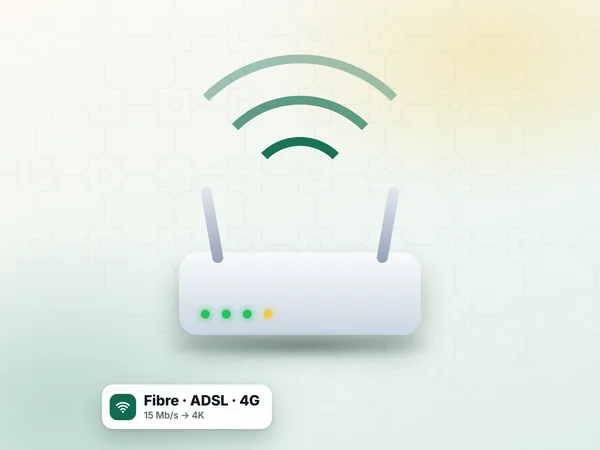
Put the router high, in the open and as central as possible, not in a cupboard or behind the TV.
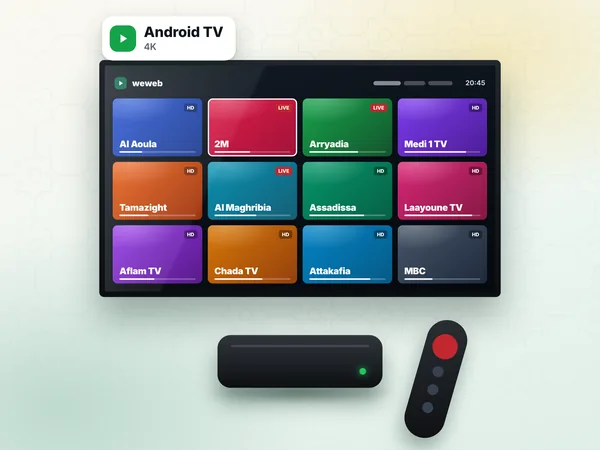
A weekly restart clears memory on older routers supplied with ADSL lines.
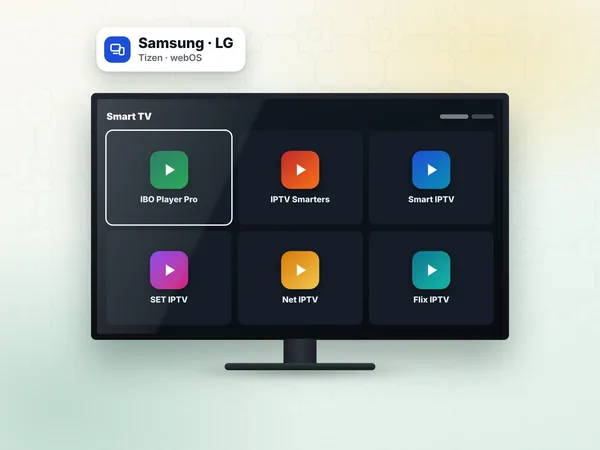
Most smart TVs and boxes have an Ethernet port; it is the fastest fix of all.
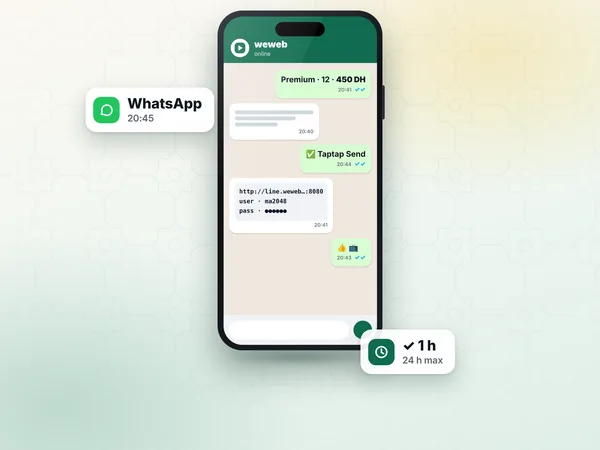
If the speed is far below your plan, the operator can check the line or replace an old router.
If your speed test is good but a channel still freezes, the cause is often elsewhere: an outdated app, a full cache on an older Android box, or a single channel with a source problem at that moment. Try another channel; if it plays well, the issue is not your line.
The IPTV troubleshooting page covers buffering, black screens and login errors step by step, and the IPTV setup guide helps you choose an app that runs well on your device.
Answers
A stable 10 Mbps is a common recommendation for HD, 15 Mbps for Full HD and 25 Mbps for 4K, per stream; every weweb plan plays one stream at a time. What matters is the speed you really get between 20:00 and 23:00.
Yes, on a phone or through a 4G home box connected to the TV. HD plays well with strong reception; check your data bundle, because video uses a lot of data.
It can be, provided your home line keeps up at peak time. weweb is built for match nights; connect by cable, pause other downloads and open the channel a few minutes before kick-off.
HD on a modest line, 4K where it is broadcast on fibre, or the bigger VIP catalogue on 1 or 2 devices: choose the plan that fits your connection.